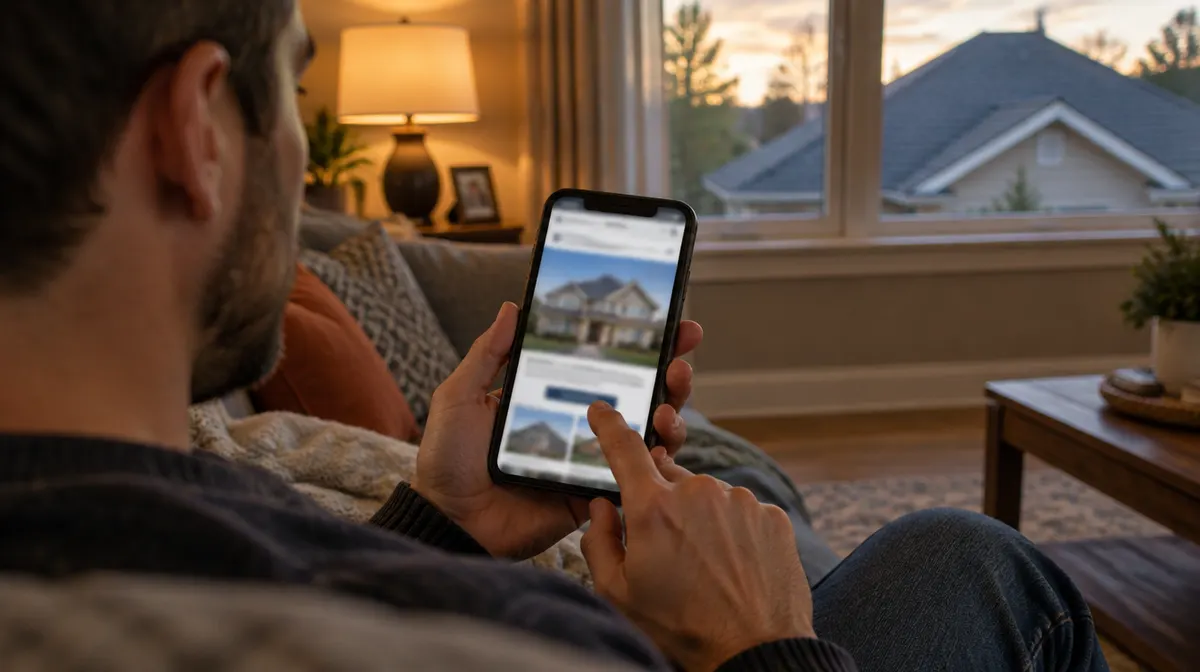
A roofing ad has one job: get the right homeowner to tap. Everything after the tap is the website's job. If the page is slow, confusing or hard to use on a phone, the ad money is spent and the lead never arrives.
We see this often. An owner thinks the ads are not working, when the ads are bringing people to the site and the site is losing them. This guide covers what a roofing website, or the page your ads point to, needs to turn those clicks into calls and form fills.
It has to load fast on a phone
Most people who tap a Facebook or Instagram ad are on their phone, often on a cellular connection. If the page takes more than a few seconds to show anything, many of them hit the back button before it finishes.
The usual causes are large photos that were never resized, sliders and animations, chat widgets, and a pile of plugins on an older site. You can check your own page for free with Google's PageSpeed Insights. Test the exact page your ads link to, on the mobile setting, and look at how long it takes for the main content to appear.
Fixing speed is rarely glamorous. It means smaller images, fewer scripts and a simpler page. But it is one of the few changes that helps every ad you run.
It should match the ad they clicked
If the ad talked about a free roof inspection, the page should say "free roof inspection" at the top, in plain words. If the ad showed a new roof on a house in Fremont, the page should feel like the same company, with the same kind of photos and the same towns.
Sending ad traffic to a homepage is a common mistake. A homepage tries to speak to everyone: repairs, gutters, commercial work, the company history. The visitor has to hunt for the thing they tapped on. A page built for the ad, with one message and one next step, usually does better.
If you run different ads for different work, give each its own page. A homeowner with a leak and a homeowner planning a new roof want different things, and one page rarely speaks to both. Our guide to replacement and repair leads covers how those ads differ. The page does not need to be fancy. It needs the same promise as the ad, a few real photos and the form.
Put the form first
On a phone, the form should be on the first screen or one short scroll away, not at the bottom of a long page. Keep it short: name, phone, email, and one question about what they need, such as repair, replacement or inspection. Every extra field costs you some form fills.
Tell people what happens after they submit. A line like "We will call you to set up a time to look at your roof" removes some of the hesitation. Then make the button say what it does, such as "Request my inspection", instead of "Submit".
If someone answers your phone during business hours, a tap-to-call button is worth having too. Some homeowners would rather talk than type. If calls go to voicemail most of the day, lead with the form and call people back.
Use trust signals that are real
Homeowners are letting someone onto their roof and, for a replacement, spending a lot of money. They look for reasons to trust you. The good news is that the best reasons are things you already have.
Your license number. Show it, and make it easy to look up with the state licensing board.
Real photos. Your crews, your trucks, roofs you finished. Stock photos of smiling models in hard hats work against you, because people can tell.
Your service area. List the towns you actually work in. It tells the visitor you are local and saves you calls from places you do not serve.
Reviews. If you have real Google reviews, show a few or link to your profile. Never write your own or borrow someone else's.
Warranties and certifications. Only the ones you actually hold, named exactly as the manufacturer or program names them.
Leave out badges and claims you cannot back up. A short page with real details beats a long one full of things that sound made up.
Call back fast
This one is not on the website, but it decides whether the website pays off. Homeowners often fill out more than one form, and many go with whoever calls back first. A lead that waits until tomorrow is often a lead that already booked someone else.
Make sure new leads reach a phone right away, by text or email, and that someone owns the job of calling them. If nobody can call within a few minutes, an automatic text that says when you will call helps. Our guide to roofing leads you don't share goes deeper on follow-up.
Track what happens after the click
If you run Meta ads, the Meta pixel should be on the page, ideally paired with the Conversions API, so Meta knows which clicks turned into form fills. Without that, Meta optimizes for clicks instead of leads, and you cannot tell which ads are working.
Beyond the pixel, keep a simple record of every lead: where it came from, whether you reached them, whether they booked an inspection, and whether they signed. Ad platforms count leads. Only you can count jobs. That record is what tells you how much you can afford to spend, which our guide to roofing ad budgets walks through.
A short checklist
Before you spend another dollar on ads, open the page your ads point to on your own phone and check:
It shows something useful within a couple of seconds. The headline matches the ad. The form is on the first screen or close to it, with only a few fields. The button says what happens next. Your license number, service area and real photos are on the page. A new lead reaches someone's phone right away. The Meta pixel records a lead when the form is submitted.
If any of those are missing, fix them first. It is often the cheapest way to get more leads from the same ad budget.